📎
Receipt Capture
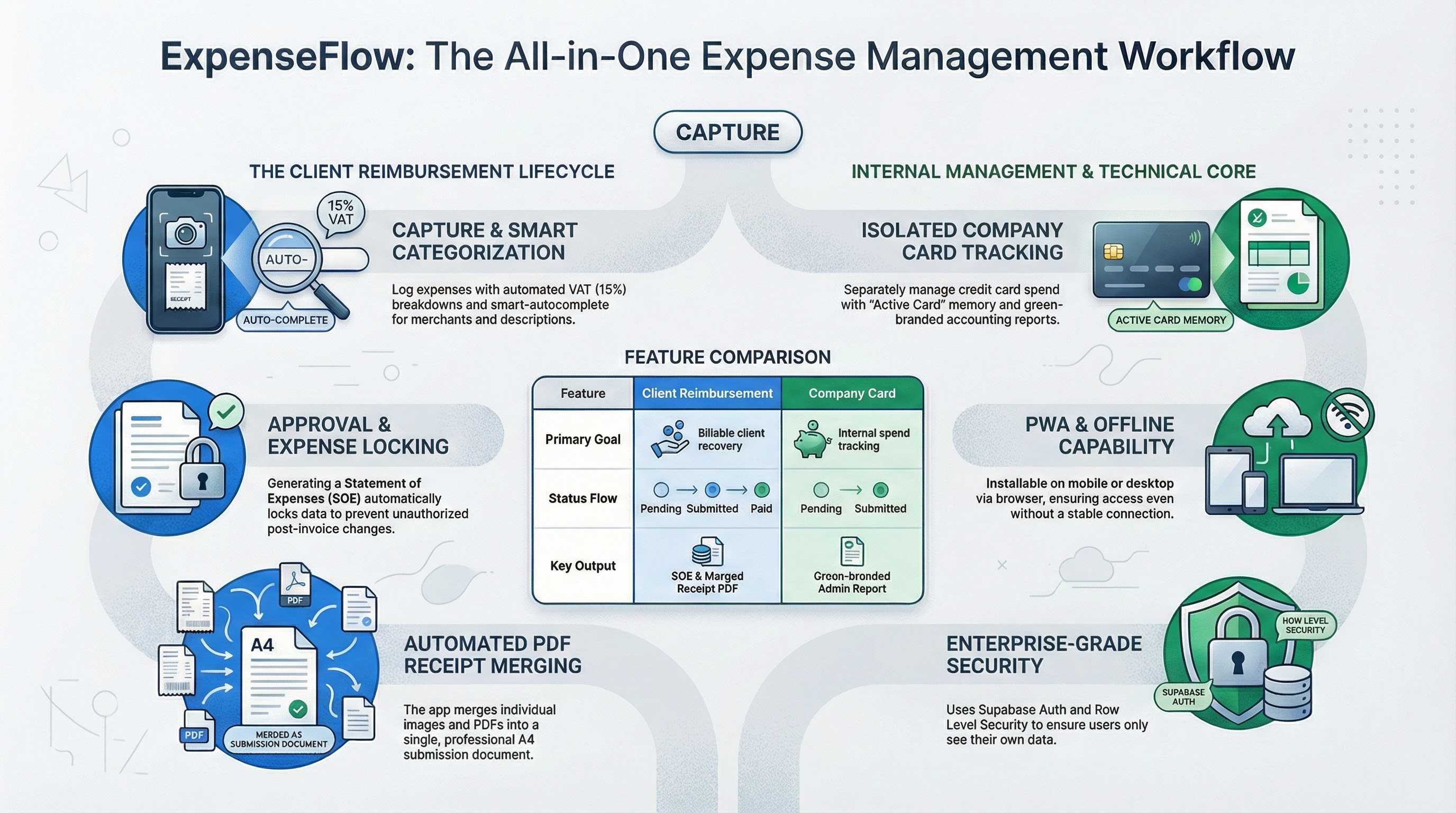
Snap a photo or upload a PDF receipt directly from your phone. Receipts are stored securely and
linked to the expense.
📊
PDF Reports
Generate a professional, client-ready PDF report for any date range with one tap — ready to email or
print.
✅
Approval Workflow
Submit expenses for approval, track their status (pending / approved / paid), and keep a full audit
trail.
🗺️
Mileage Tracking
Log trips with Google Maps distance auto-fill. Calculates the reimbursable amount at your company
rate automatically.
🏢
Multi-Client
Manage expenses across multiple clients or projects. Filter, sort, and export per client with ease.
📱
Works Offline
As a PWA, ExpenseFlow loads instantly and works even without internet — syncing when you're back
online.